Sign in
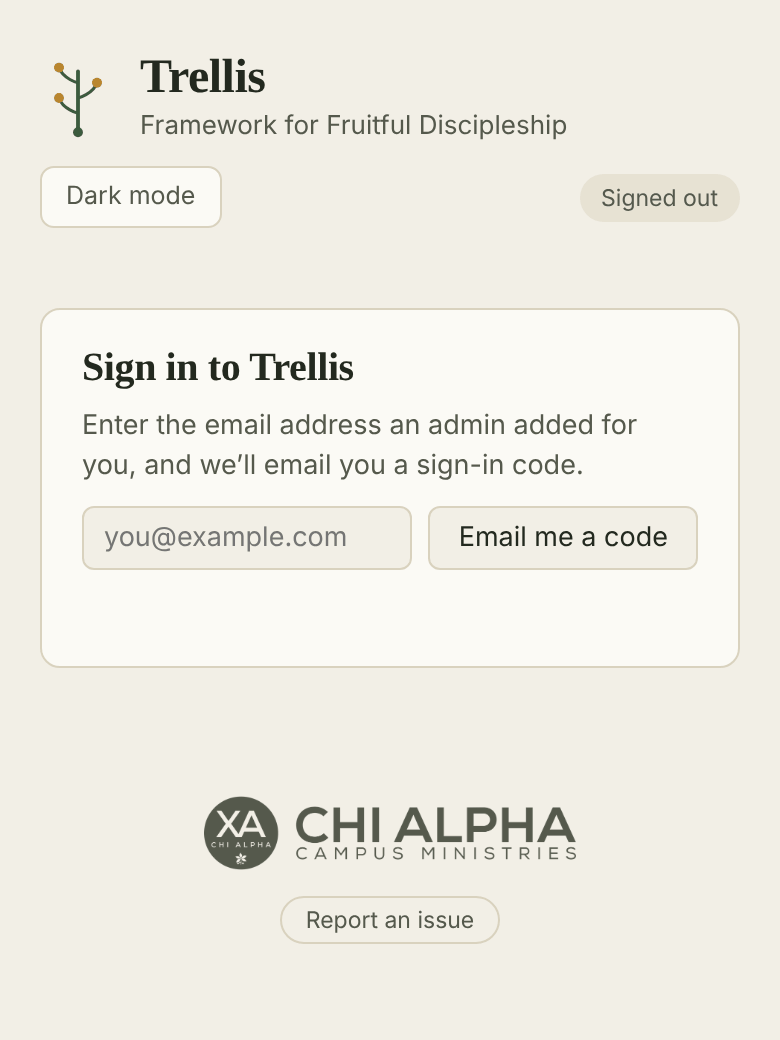
- Go to trellis.chialphaosu.com.
- Type the email address an admin set up for you and tap Email me a code.
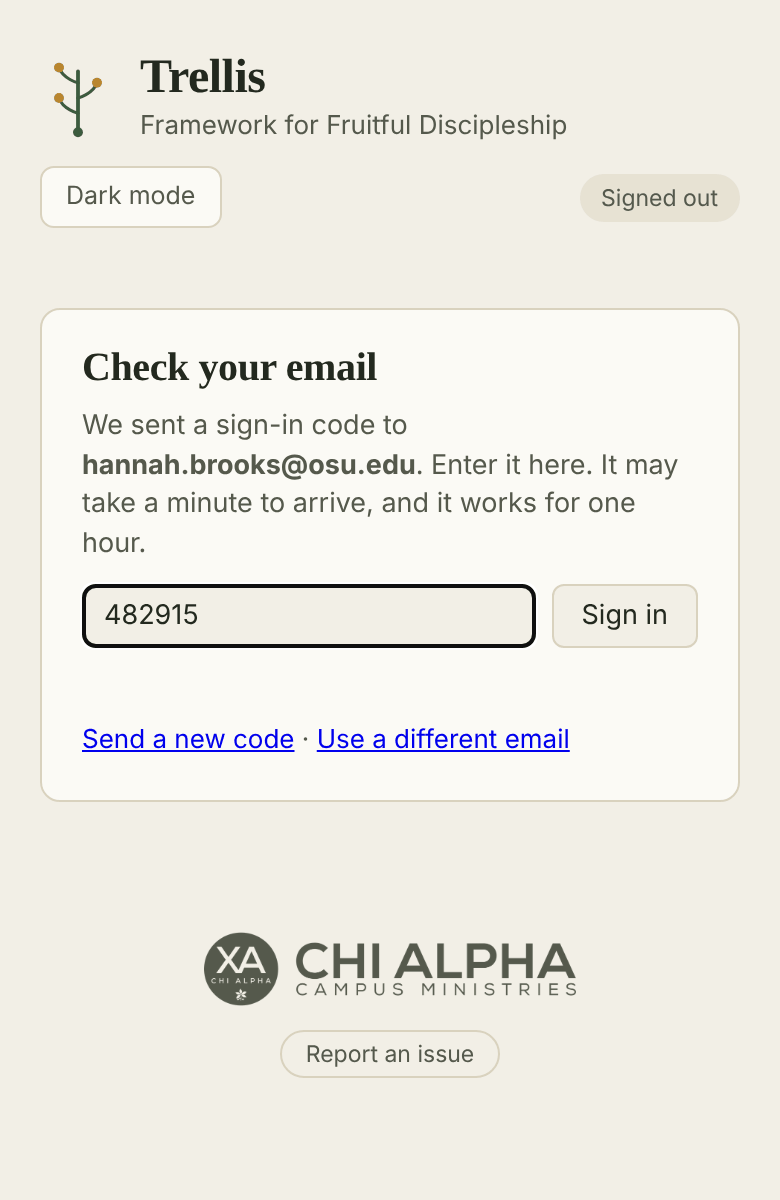
- Check your email for a message from trellis@chialphaosu.com with a 6-digit code. It can take a minute to arrive.
- Type the code into Trellis and tap Sign in.
A code works for one hour. If it doesn’t arrive, check your junk folder or tap Send a new code. Only the newest code works.
If Trellis says you don’t have access yet, ask a Trellis admin to add your email.
On your phone, use Add to Home Screen in your browser’s share menu so Trellis opens like an app. You stay signed in on that device.